
3-Piece Self-Adhesive Silicone Cable Organizer Set
Black
$23.99
Sale price
$23.99
Regular price
$2.00
Skip to product information



3-Piece Self-Adhesive Silicone Cable Organizer Set
$23.99
Sale price
$23.99
Regular price
$2.00
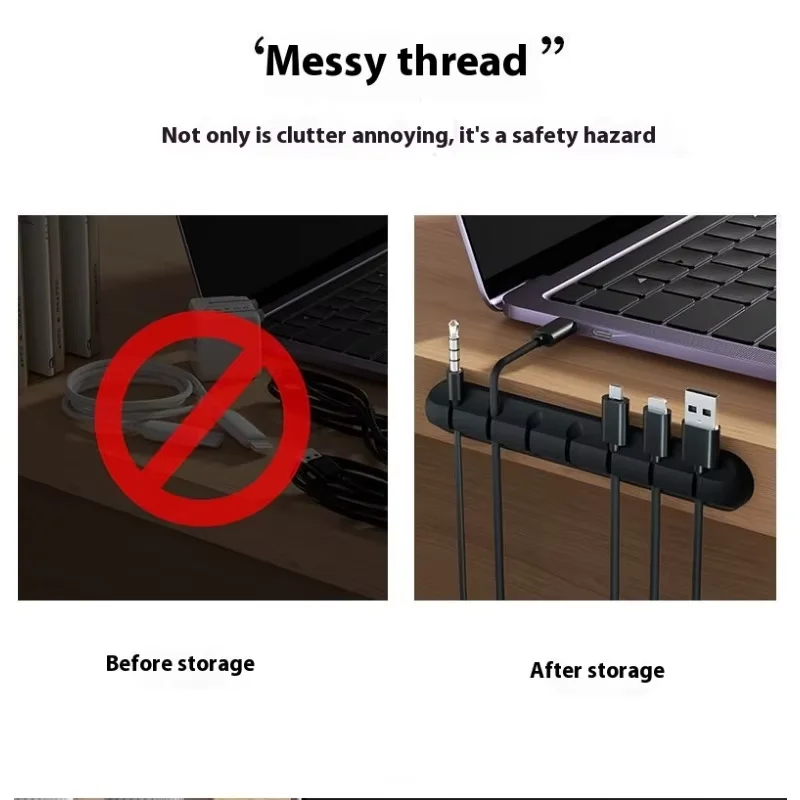
Keep everyday cables within reach
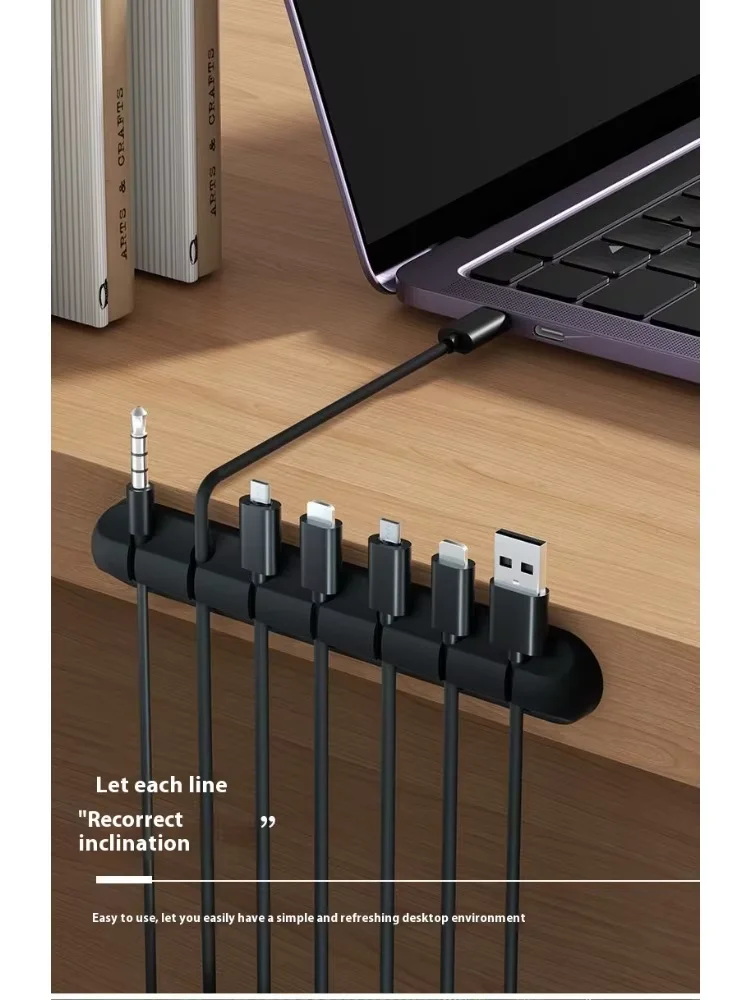
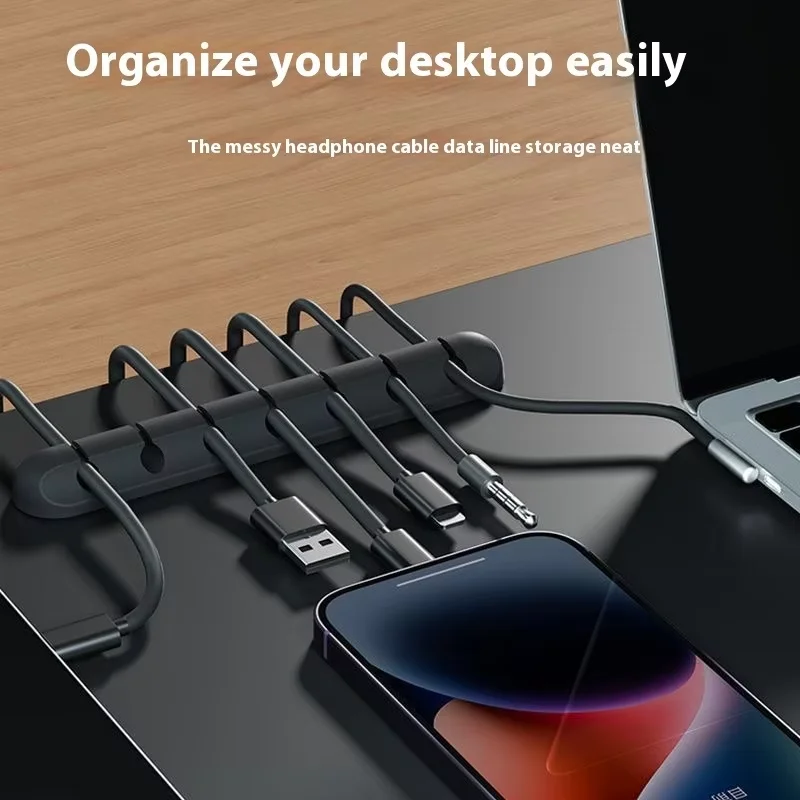
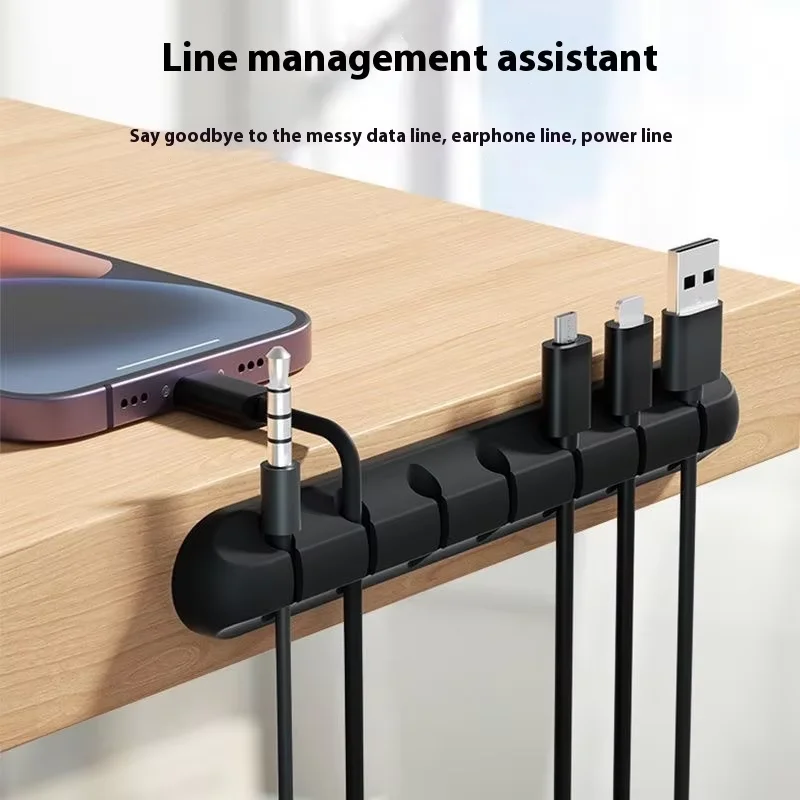
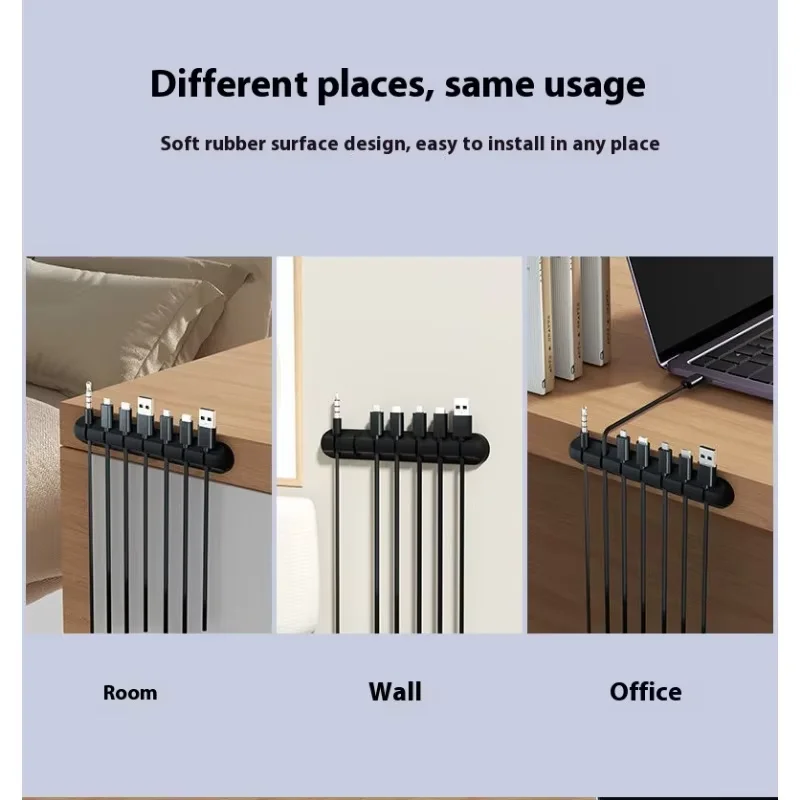
Give your charging cables a dedicated spot instead of letting them slip behind your desk or nightstand. This 3-piece silicone cable organizer set uses self-adhesive holders to separate loose cables and bring a more orderly look to your workspace.
At a glance
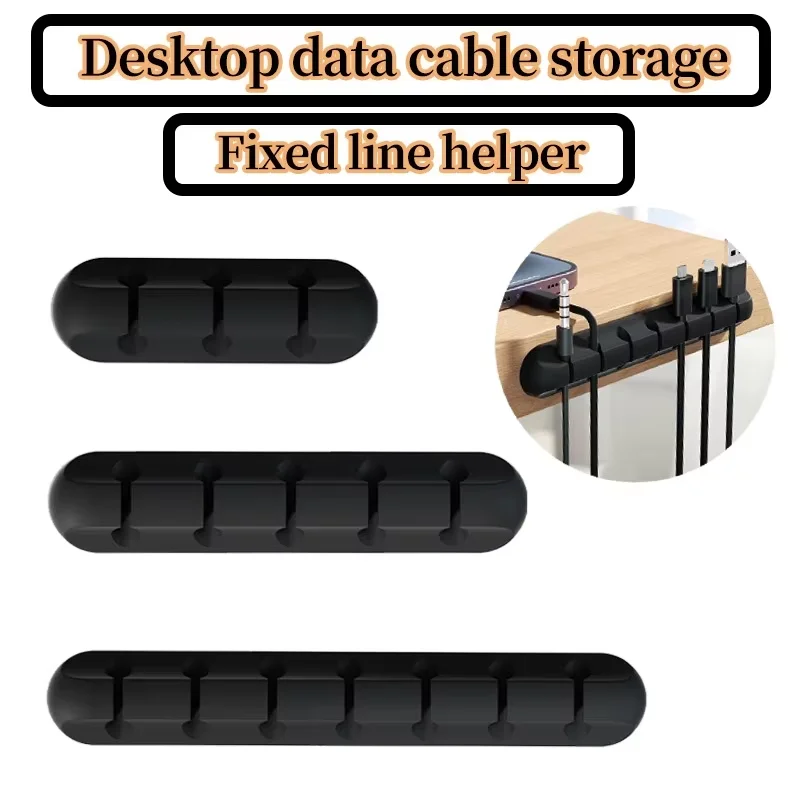
- Three organizers: Supplier-described set with 3-, 5-, and 7-slot holders.
- Silicone construction: Holds compatible cables in individual slots.
- Self-adhesive mounting: Designed to attach to suitable surfaces without screw installation.
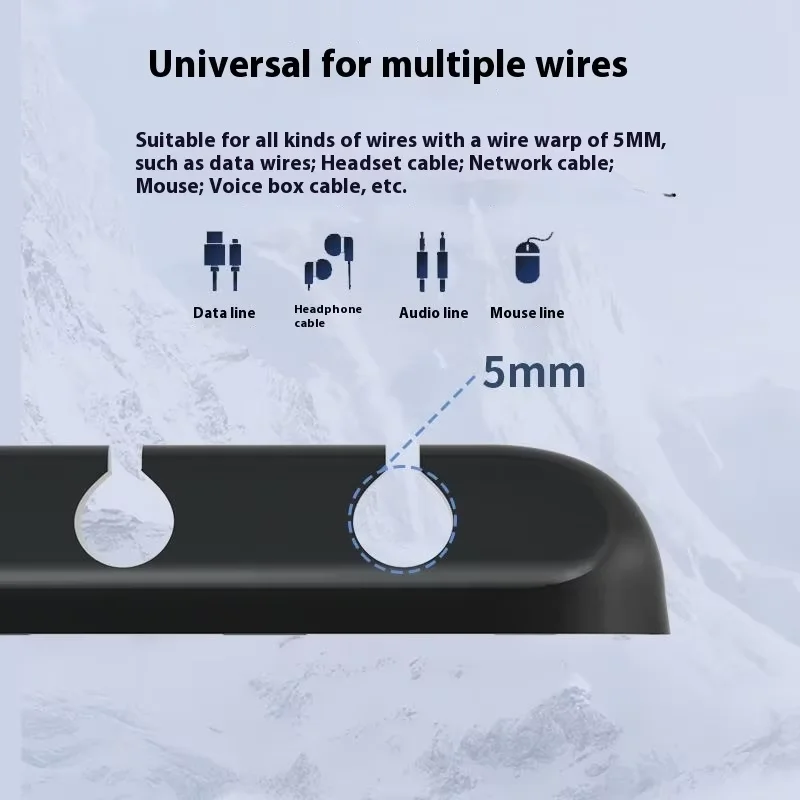
- Everyday organization: Intended for compatible charging cables, USB cables, mouse cables, and other desk wires.
Specifications
- Brand: OUYUANSU.
- Material: Silicone.
- Quantity: 3 pieces, as described by the supplier.
- Color: Supplier-described black; the current selectable option is labeled “lack.”
- Slot layouts: 3, 5, and 7 slots.
Setup and compatibility
Check the manufacturer's instructions and confirm surface compatibility before attaching. Clean and dry the intended surface, then follow the supplied directions for application and any required waiting time. Adhesion can vary by surface texture and finish; mark-free removal and repeated reuse are not verified.
Holder dimensions and supported cable diameters are not supplied in the written specifications. Confirm fit before ordering, and do not force thick cables into the slots. Cables and charging devices are not listed as included.
Use and care
Leave enough slack to avoid pulling on connectors. Keep away from hot surfaces and do not pinch or sharply bend power cords. These holders organize cables; they do not provide electrical protection or repair damaged wiring. Follow the manufacturer's cleaning and removal instructions.